A complete suite of management and teaching tools for your driving school..
At just £5.99 a month that is half the price of some other apps.
Don’t take our word for it, Download it free today for a whole month and try it yourself.
Manage students, lesson plans, progress, calendar and much much more in one simple app.
Scroll through the features below with video tutorials to get the most from the app to benefit you.
With over twenty screens the Driving Instructor App will improve your business management and teaching.
Features Include;
Student Management – Progress Tracking – Lesson Plans – Reflective Logs – Calendar with Drag & Drop and Colour Coding – Upcoming Lessons – Appointment Listings – Lesson Reminders – Texting to Selected or All Students – Booking Form Processing – Teaching Aids – Traffic Layout Simulator – Resource Library – Record Your Route – Show Me, Tell Me Questions – ADI Information – Backup and Restore Locally and in the Cloud – Statistics – Income & Expenditure – Theory App
Video tutorials
Below are several short videos outlining all the features in the app.
If you need extra support please email support, details of which are on the Help screen.
Your Own Website
To have your own website for just £9.99, click the link in the menu bar above to see an example of how it would look.
Price includes domain name and email address and setup and maintenance.
Contact website@9cc.co.uk to take advantage of this special offer.
Welcome to the Driving Instructor App. Available on Apple Play and Google Play Store for just £5.99 a month.
Take the first month free to try it out.
We strongly recommend you watch the video below first for an outline of the app, then scroll down to see how to setup the app and general use by the screenshots below.
This video is a basic introduction to some of the features.
See the individual videos below for the latest versions and getting started.
How the app looks on the play stores.
There is a completely free month without restriction to try out all the features of the app, simply tap the subscribe button to install.
If its not for you, just cancel the subscription before the end of your trial.
If you think its fantastic value, billing will auto renew after that first free month.
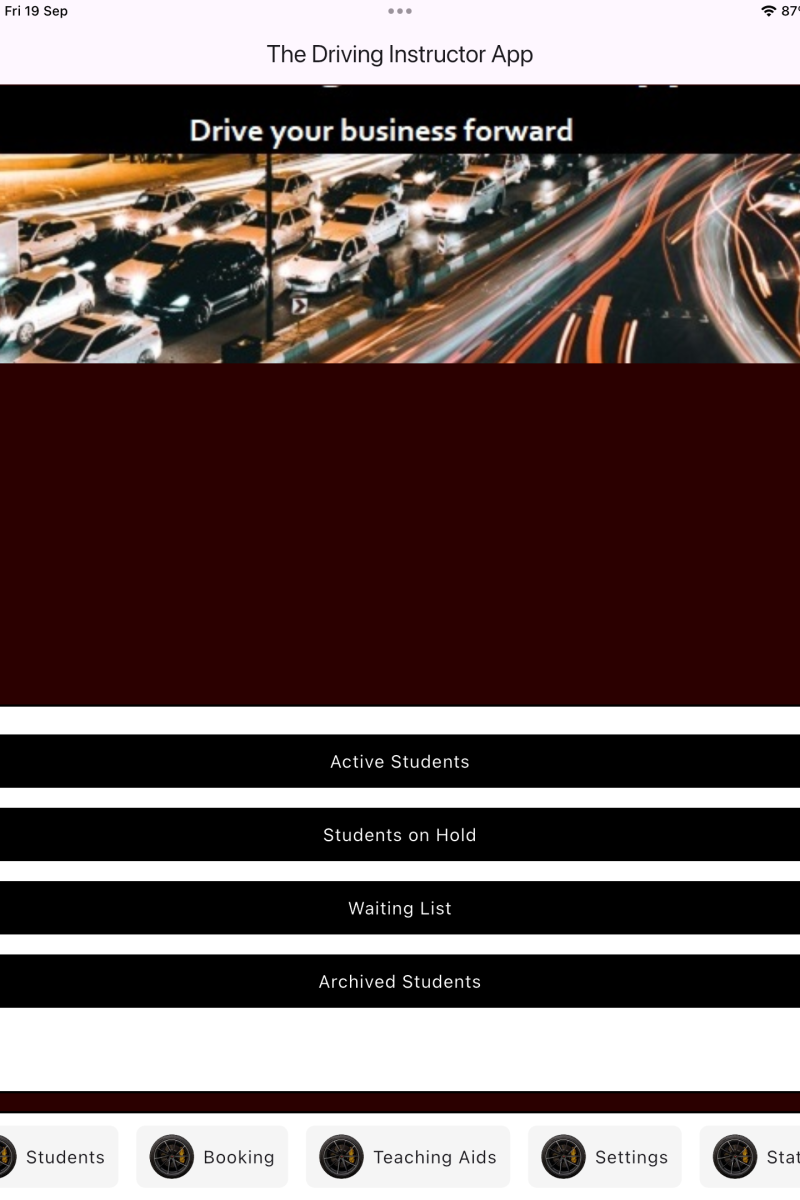
This is your opening screen.
The menu bar is at the bottom which scrolls left to right and each main menu has sub menus.
Because the app has so many features, you may want to set a quick link.
Each sub menu such as Active Students or Calendar for example can be added to the quick links bar just above the base menu.
Just long press a sub menu option and the Add to quick links dialogue will open. Tap yes or cancel. Remove a quick link by a long press on the quick link itself.
The Students Menu
Until you populate the app, it will just have a blank screen.
To get started you need to add your students in to the app.
Tap the Student menu at the bottom of the screen and then tap on Active Students from the sub menu.